Walkthrough - Android 13 (API 33) Work Profile Setup & Run
This developer guide provides step-by-step instructions on how to set up an Android 13 Work Profile (Managed Profile) on an emulator using command-line tools (adb), install the NTP DIG PING MORE application inside the work profile, and run/debug it.
Prerequisites
Before starting, ensure that:
- You have the Android SDK installed and
adbis available in your shell'sPATH. - An Android Emulator running Android 13 (API 33) is booted and connected to ADB.
- You have the Test DPC APK (
testdpc.apk) and the project's debug APK (app-debug.apk) available locally.
Step 1: Launch and Reset the Android 13 Emulator
Start the Android 13 emulator using wiped user data to guarantee a clean environment:
emulator -avd Medium_Phone_API_33 -wipe-dataEnsure the emulator is fully booted by verifying:
adb devices
# Output should show: emulator-5554	device

adb -s emulator-5554 shell getprop sys.boot_completed
# Output should be: 1
Step 2: Create a Work Profile via CLI on Android 13
To create a managed work profile associated with the primary user (User 0), execute the following command:
adb -s emulator-5554 shell pm create-user --profileOf 0 --user-type android.os.usertype.profile.MANAGED "Work Profile"[!NOTE] Android 13 supports the standard
--user-typeflag. This flag is the standard and correct way to create a secure managed profile user on Android 11 and above.
Expected Output
Success: created user id 10[!NOTE] The created user ID (typically
10or higher) will be referred to asUSER_IDin all subsequent commands.
Start the newly created profile user:
adb -s emulator-5554 shell am start-user USER_IDStep 3: Setup Test DPC as the Profile Owner
Test DPC is an enterprise utility used to simulate device policy constraints.
-
Install Test DPC to the managed profile user:
adb -s emulator-5554 install --user USER_ID testdpc.apk -
Register Test DPC as the official Profile Owner of the work profile:
adb -s emulator-5554 shell dpm set-profile-owner --user USER_ID com.afwsamples.testdpc/.DeviceAdminReceiver
Expected Output
Success: Active admin and profile owner set to com.afwsamples.testdpc/.DeviceAdminReceiver for user 10Step 4: Install the Application in the Work Profile
Install the project's debug APK inside the work profile using the --user flag:
adb -s emulator-5554 install --user USER_ID ./app/build/outputs/apk/debug/app-debug.apkExpected Output
Performing Streamed Install
Success
Step 5: Launch the Application in the Work Profile
Launch the NTP DIG PING MORE application launcher activity targeting the work profile user:
adb -s emulator-5554 shell am start --user USER_ID -n io.github.mobilutils.ntp_dig_ping_more/.MainActivityExpected Output
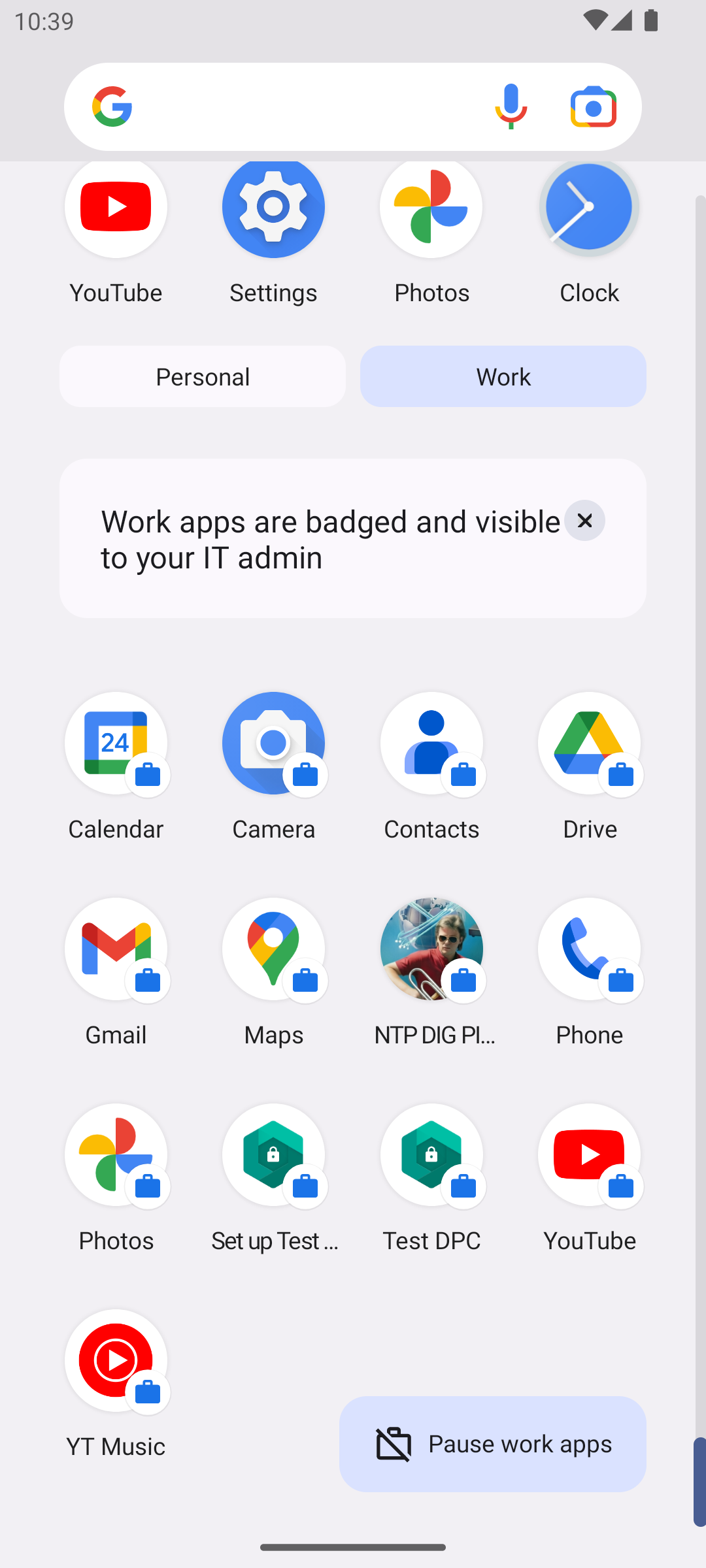
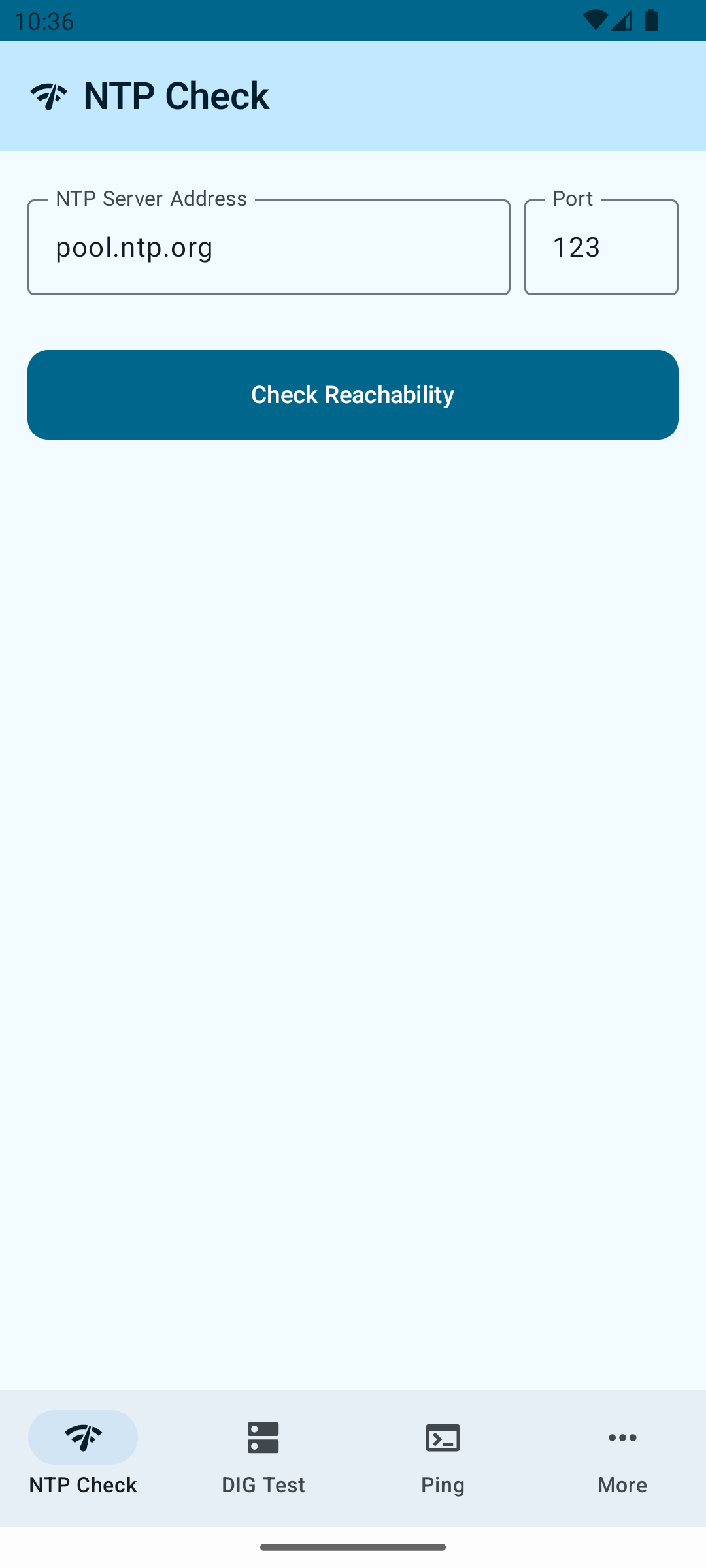
Starting: Intent ( cmp=io.github.mobilutils.ntp_dig_ping_more/.MainActivity )In the emulator screen, you should now see the application open with a small briefcase badge on the bottom right of its launcher icon and task switcher bar, confirming that it is successfully running inside the secure Work Profile partition on Android 13!
Summary of command used to setup and run the app inside the Work Profile on Android 13
Tracking Android execution and ADB commands for Work Profile setup on Android 13.
| Timestamp | Command | Observation/Result |
|---|---|---|
| 2026-05-24 22:35:26 | emulator -avd Medium_Phone_API_33 -wipe-data | Successfully launched emulator in background with wiped data |
| 2026-05-24 22:35:40 | adb devices | emulator-5554 device |
| 2026-05-24 22:35:55 | adb -s emulator-5554 shell getprop sys.boot_completed | 1 (boot completed successfully) |
| 2026-05-24 22:36:04 | adb -s emulator-5554 shell pm create-user --profileOf 0 --user-type android.os.usertype.profile.MANAGED "Work Profile" | Success: created user id 10 |
| 2026-05-24 22:36:11 | adb -s emulator-5554 shell am start-user 10 | Success: user started |
| 2026-05-24 22:36:17 | adb -s emulator-5554 install --user 10 testdpc.apk | Success |
| 2026-05-24 22:36:26 | adb -s emulator-5554 shell dpm set-profile-owner --user 10 com.afwsamples.testdpc/.DeviceAdminReceiver | Success: Active admin and profile owner set |
| 2026-05-24 22:36:35 | adb -s emulator-5554 install --user 10 app/build/outputs/apk/debug/app-debug.apk | Success |
| 2026-05-24 22:36:42 | adb -s emulator-5554 shell am start --user 10 -n io.github.mobilutils.ntp_dig_ping_more/.MainActivity | Starting: Intent ( cmp=io.github.mobilutils.ntp_dig_ping_more/.MainActivity ) |
| 2026-05-24 22:36:48 | adb -s emulator-5554 shell screencap -p /sdcard/workprofile_launch_13.png | Successfully captured screen of running Work Profile app on Android 13 |
Validation Results
We verified that:
- The profile user was created successfully with ID
10. - Test DPC was set as the profile owner.
- The NTP DIG PING MORE app (
io.github.mobilutils.ntp_dig_ping_more) was successfully installed inside user10profile. - The app successfully launched under the profile user
10.
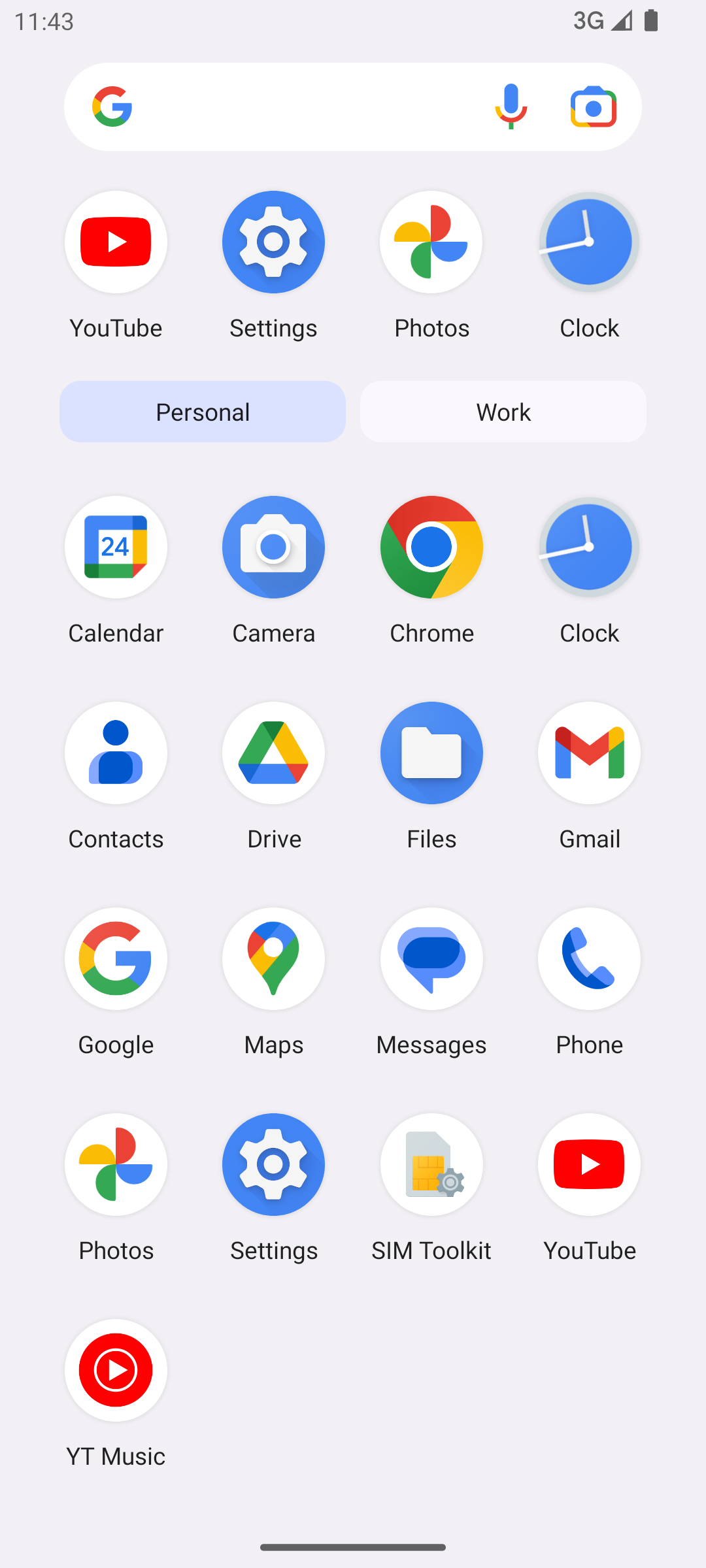
Here is the captured emulator screenshot verifying that the NTP DIG PING MORE app successfully launched inside the secure Work Profile partition on Android 13:
| User Profile | Work Profile |
|---|---|
 |  |
 |